


Employer User Manual
1. Account Registration
Getting Started!
You must have an account on this site before you can register as an Employer and create Job Listings.
How to Get an Account?
Follow the steps below.
Step 1: Sign Up
- Select Sign Up + > Employer in the menu or click here.
- Complete the form with your Personal Details.
- Complete the CAPTCHA.
Step 2: Verify Email
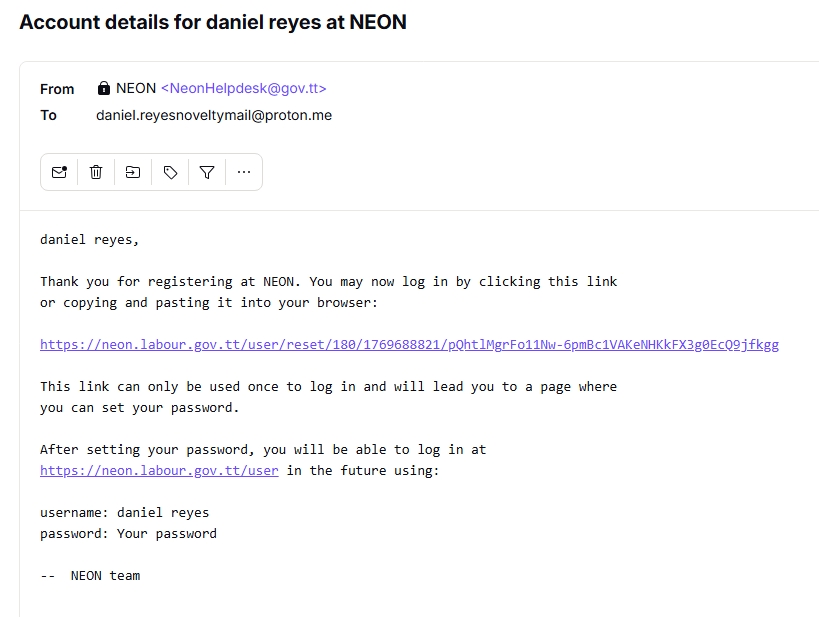
- Check your email for a login link.
- Click the one-time link and set your password.
- See a login link example here.
2. Employer Registration
How to Register as an Employer?
Ensure that you have registered for an account on this site.
Log onto the site, where you need to follow the steps below.
Step 1: Apply as an Employer
- Select Employer + > Employer Registration in the menu or click here.
Step 2: Finalize
- Complete the form with your Business Details.
Upload documents (Max 10MB: PDF, JPG, PNG) on the Edit Account page.
View Required Documents
- Proof of Address
- Certificate of Incorporation
- Click Save to submit.
3. Job Listings
How to Create a Job Listing?
Follow the steps below.
Step 1: Create Listing
- Select Employer + > Create Job Listing in the menu or click here.
Step 2: Finalize
- Complete the form with your job listing criteria.
- Click Save to submit.